Rendered in place
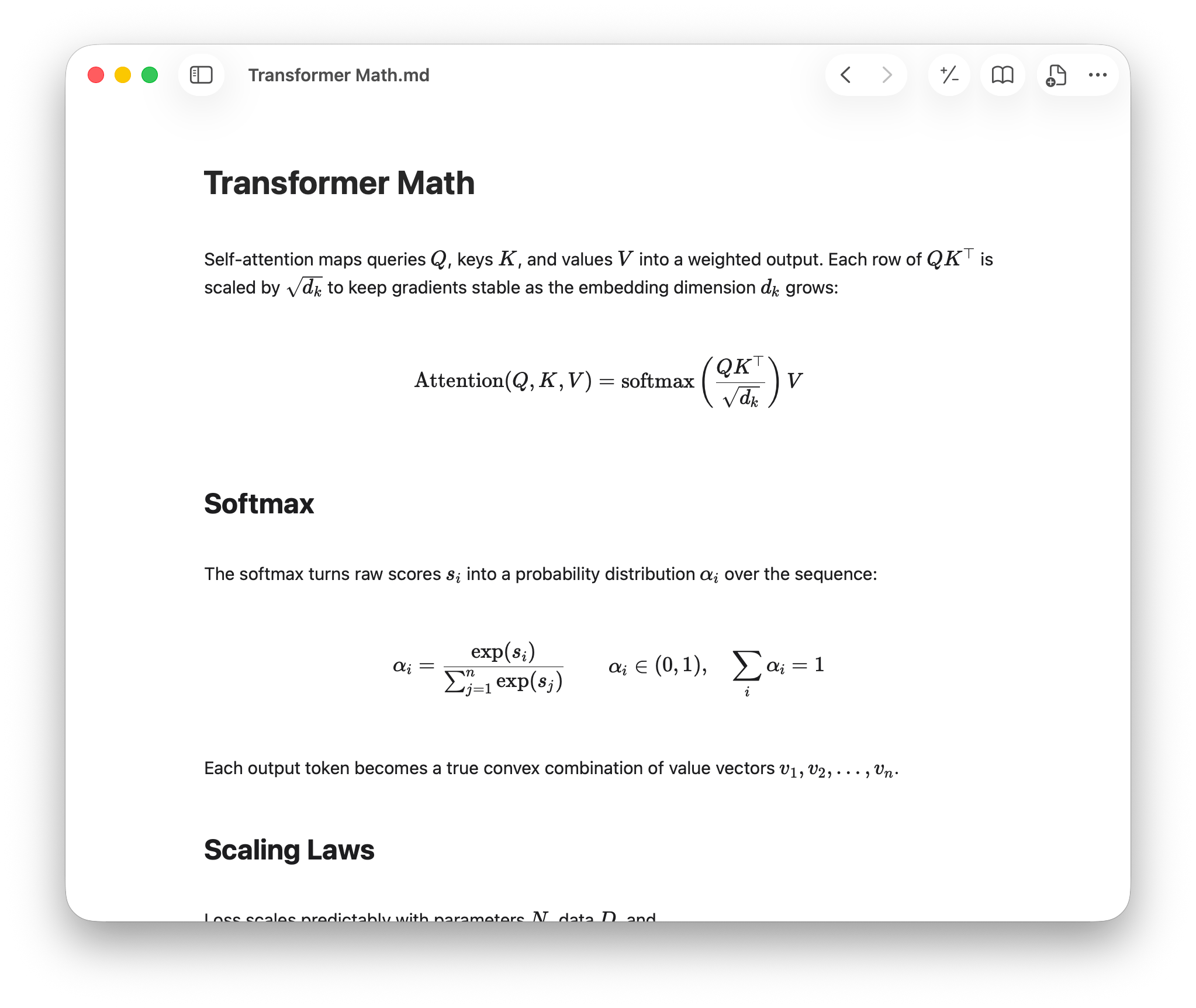
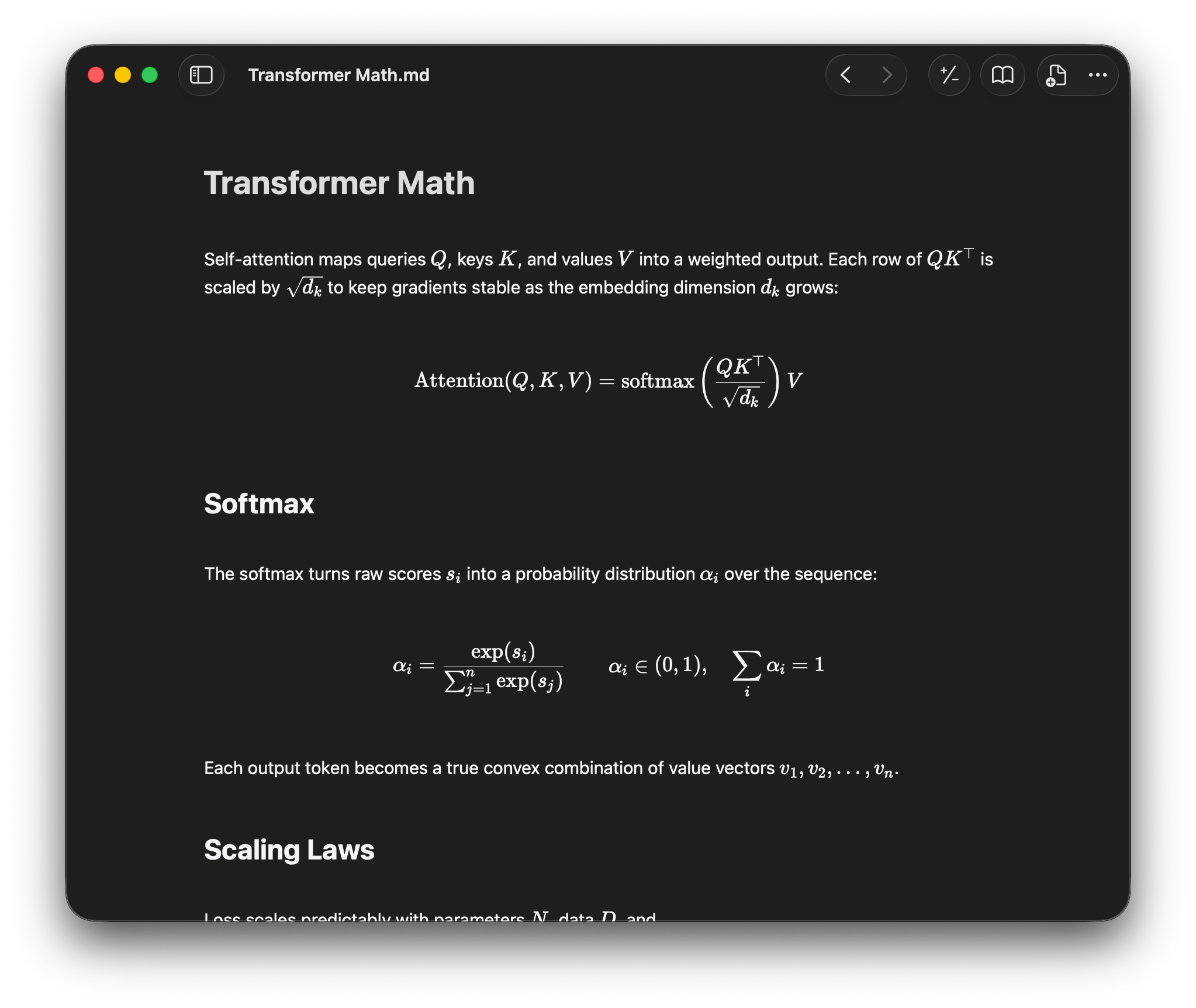
Headings, lists, tables, code, and math render where you write. Move the cursor into any block to edit the source.
Open the folders where you and your AI work together: notes, docs, and repos.
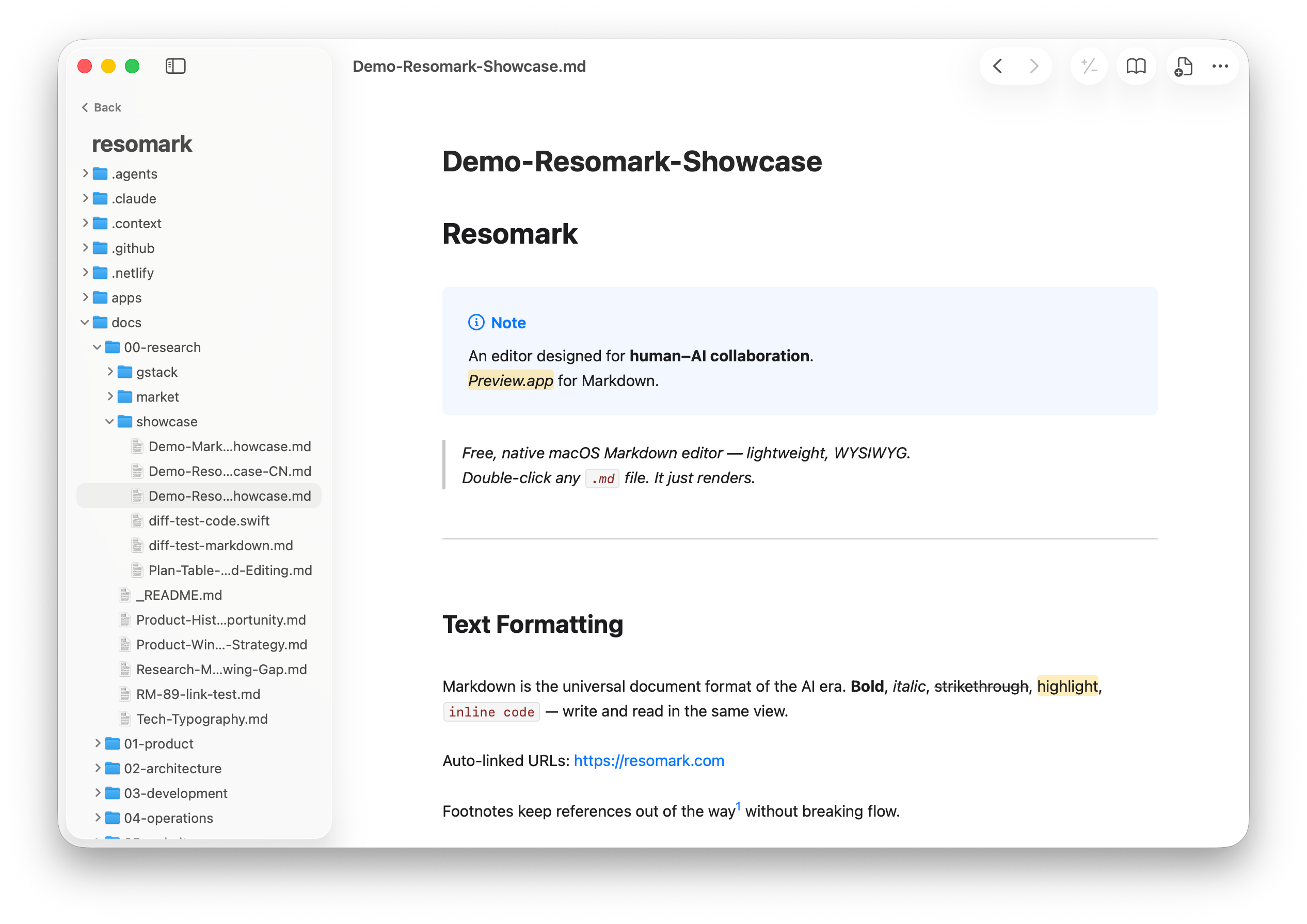
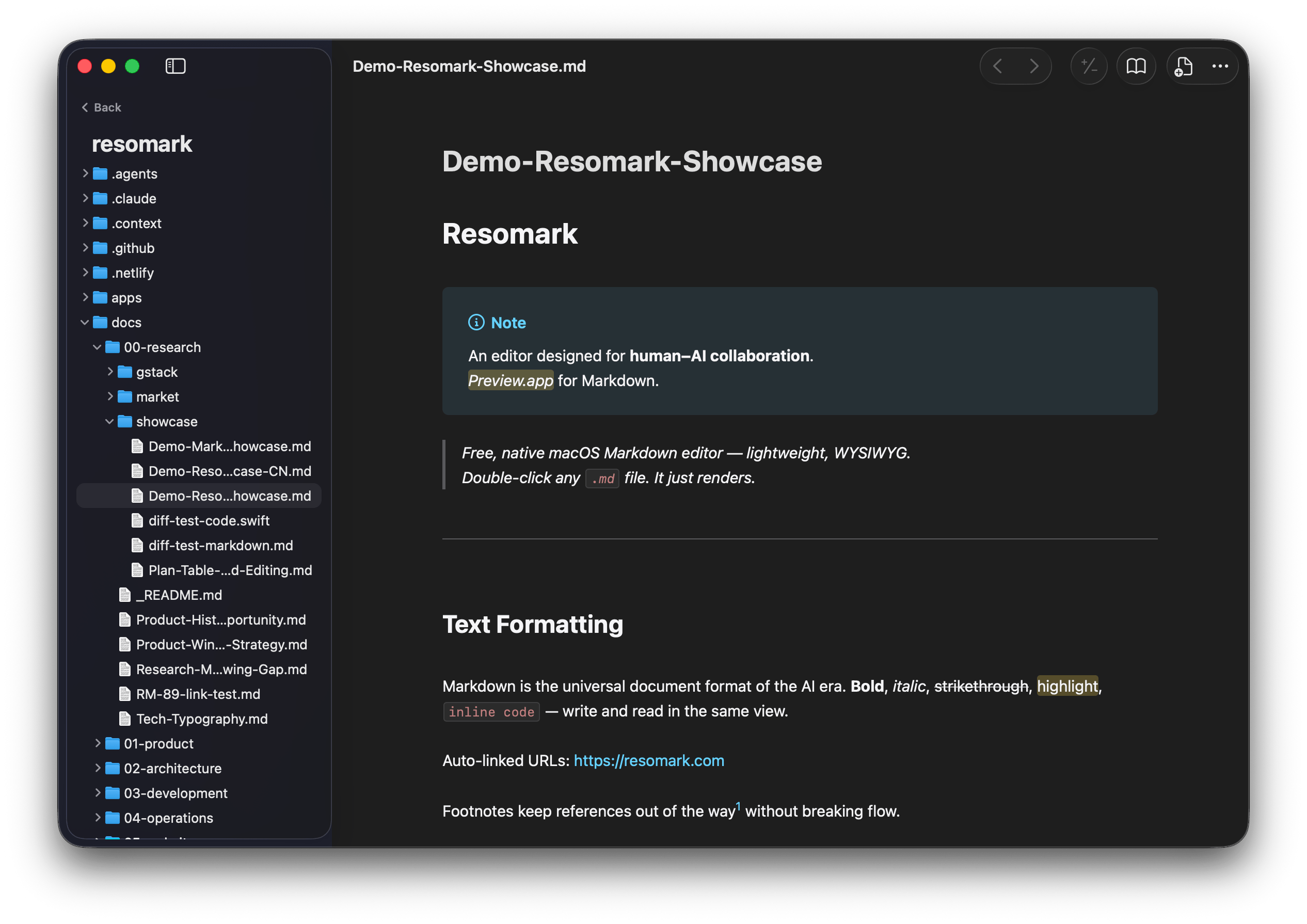
No preview pane to switch between. Edit and read in the same view, while your plain .md file stays the source of truth.
Headings, lists, tables, code, and math render where you write. Move the cursor into any block to edit the source.
Your file is plain .md. Open it in any editor or ship it anywhere. Resomark renders it without reformatting.
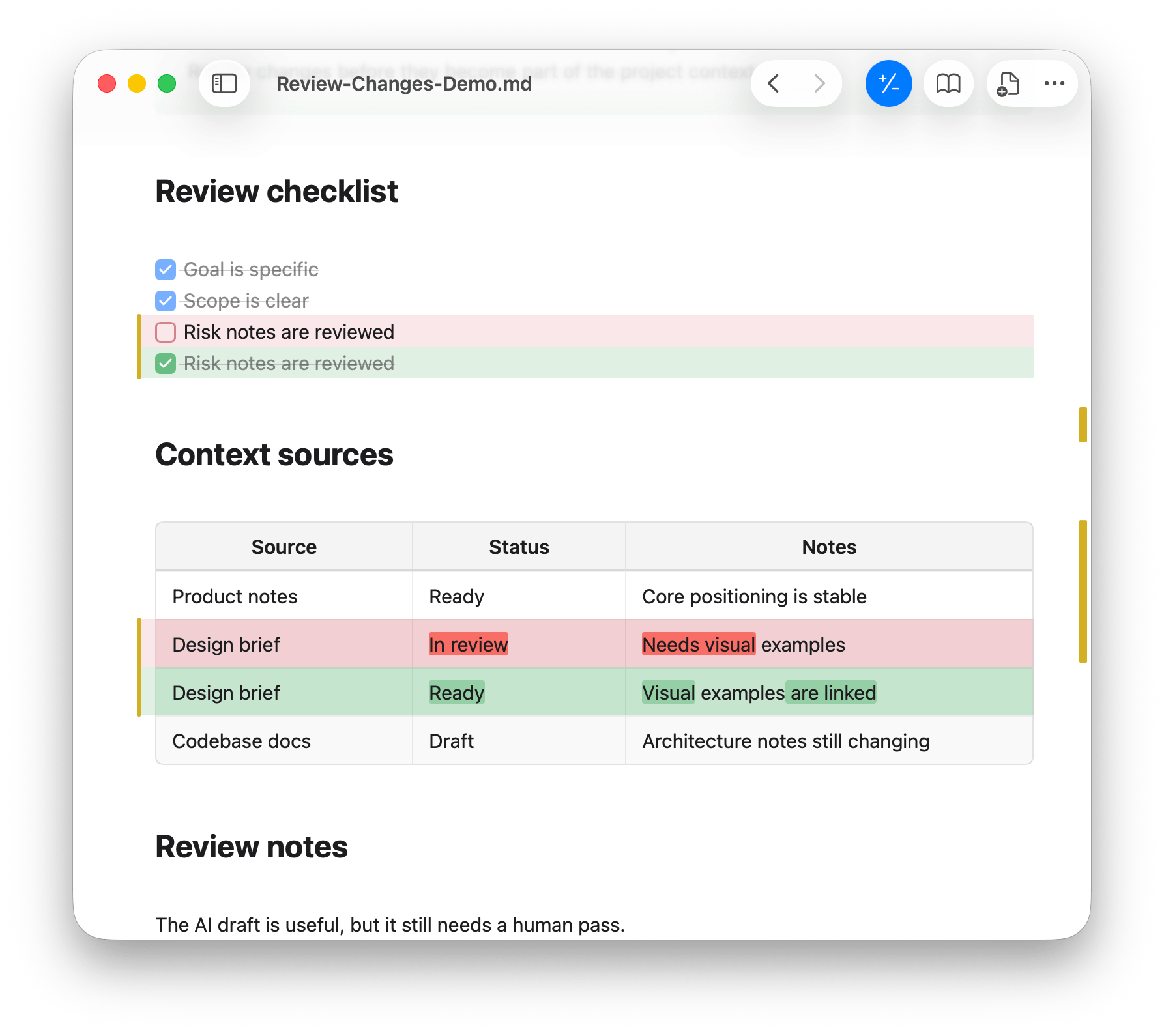
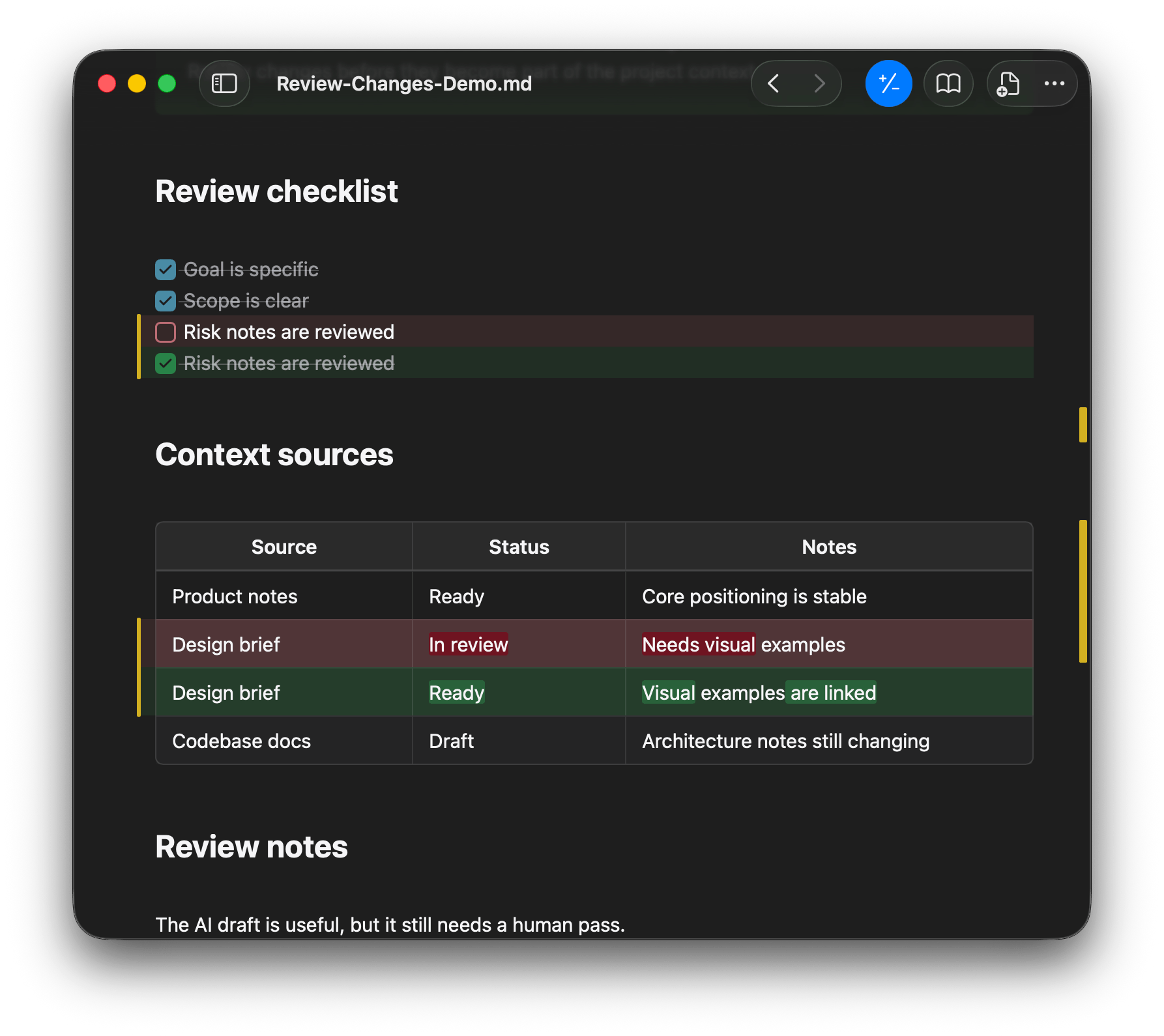
For Git-tracked files, Resomark highlights additions, removals, and edits inside the rendered document, so you can review AI-written changes in context before you keep them.
No database. Just the folders on your Mac, pinned in one sidebar.
AI-driven development does not need a full IDE. Resomark opens any repo and previews every code file.
Native and fast. No plugin store, no setup. Open any folder as a vault. [[Wiki-link]] works out of the box.
Notes, skills, AI configs, and dotfiles live in fixed places. Pin them in one sidebar and edit them without moving a file.
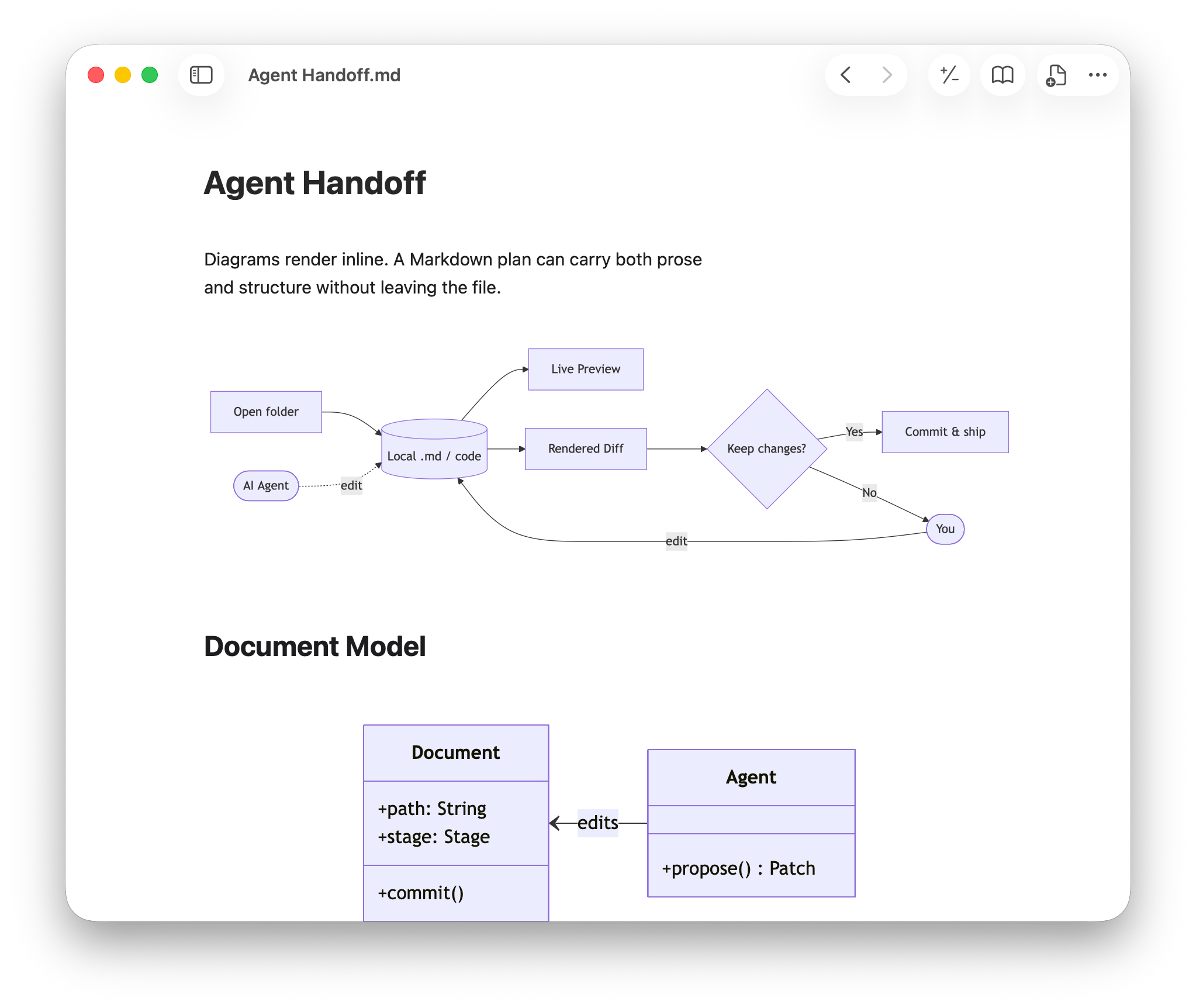
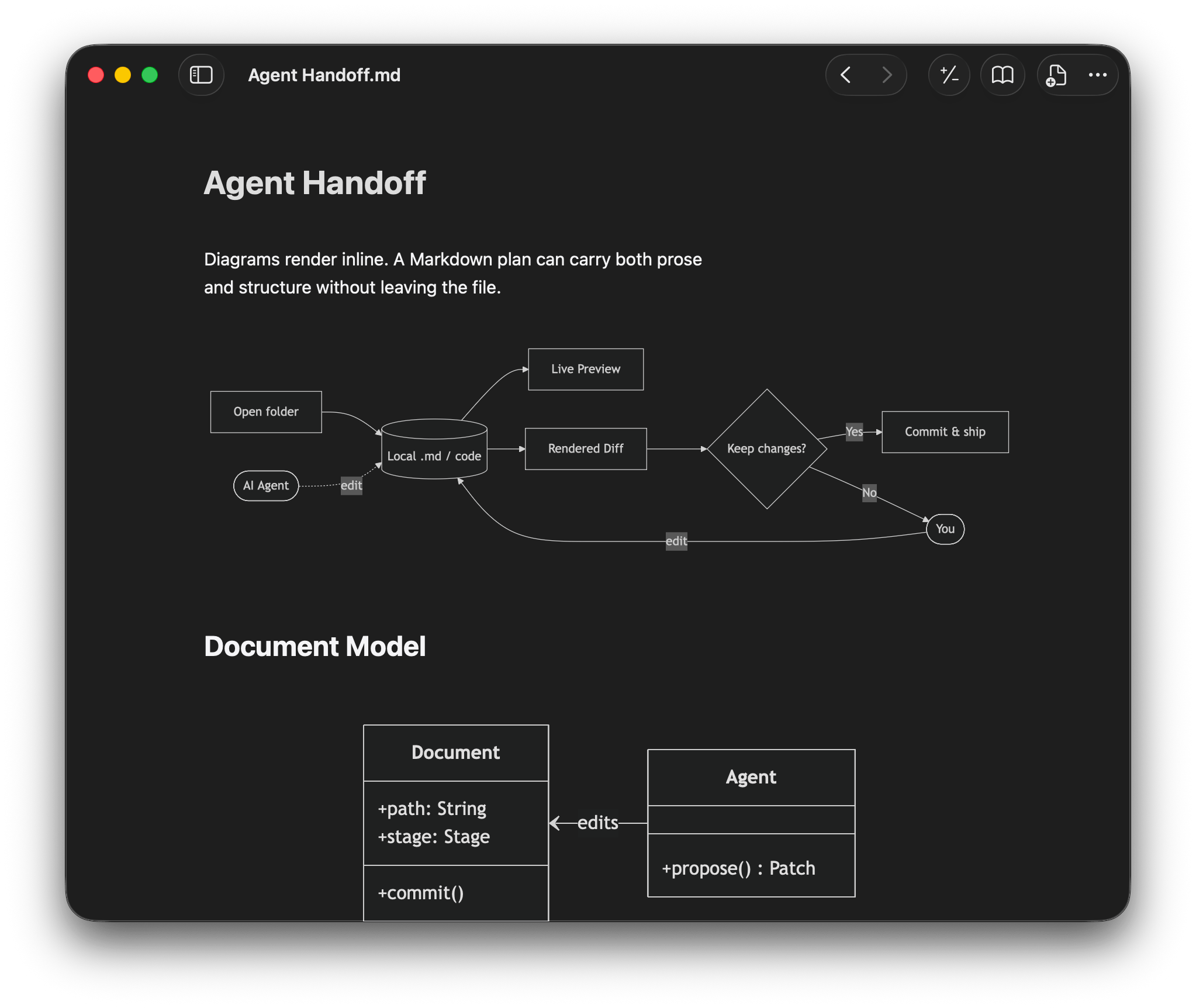
Math, diagrams, code, wiki links, and image embeds. Rich documents stay plain text.
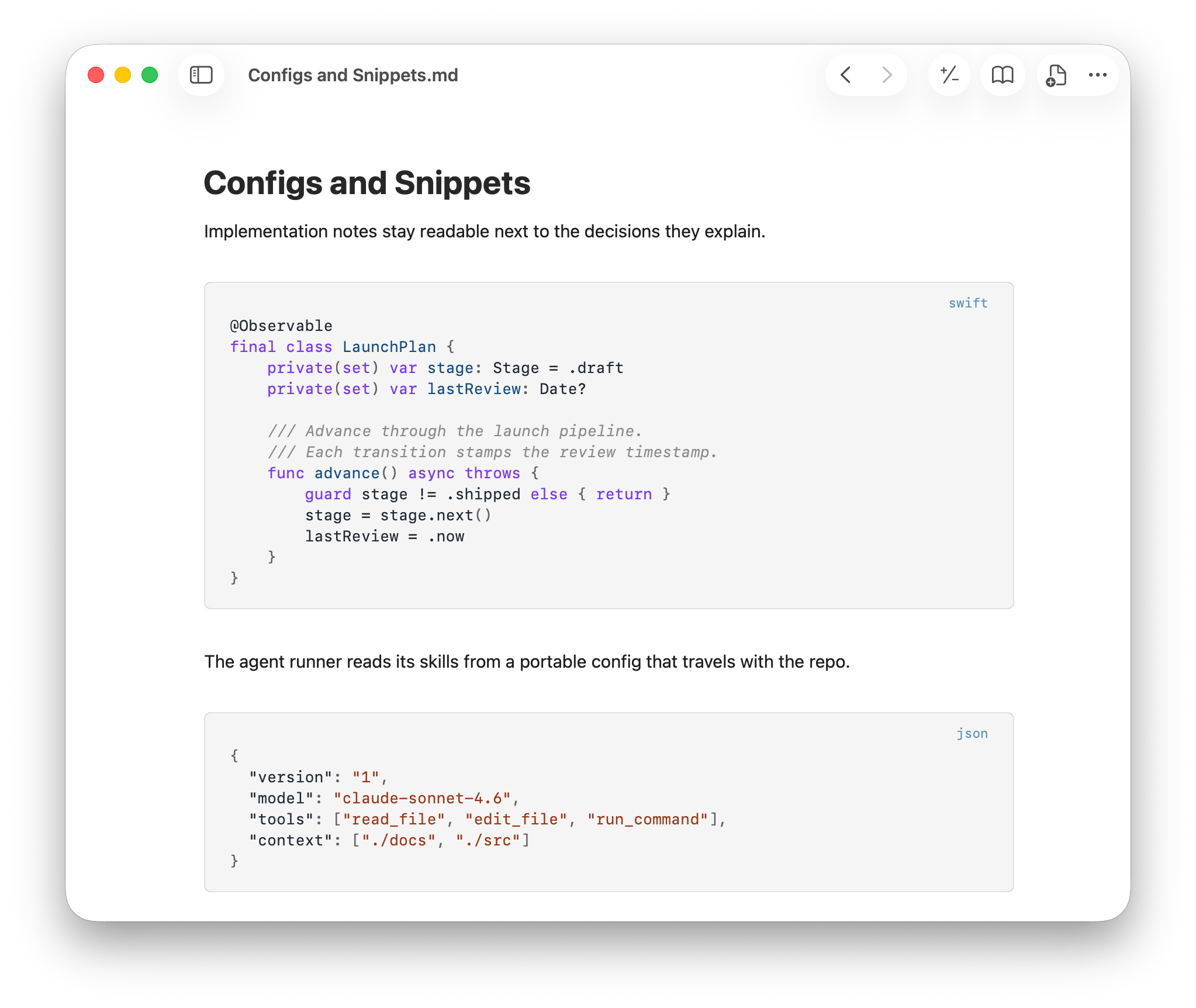
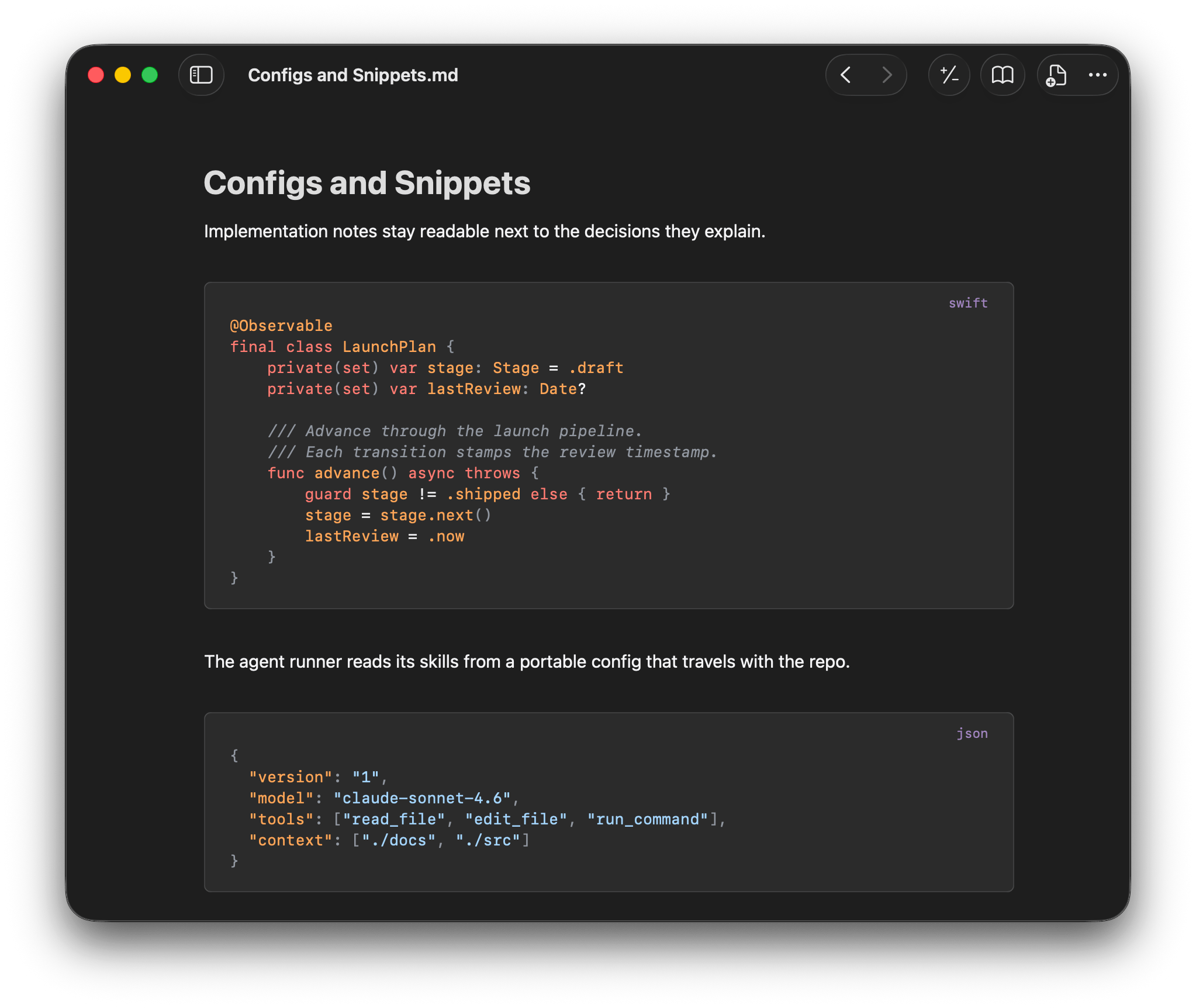
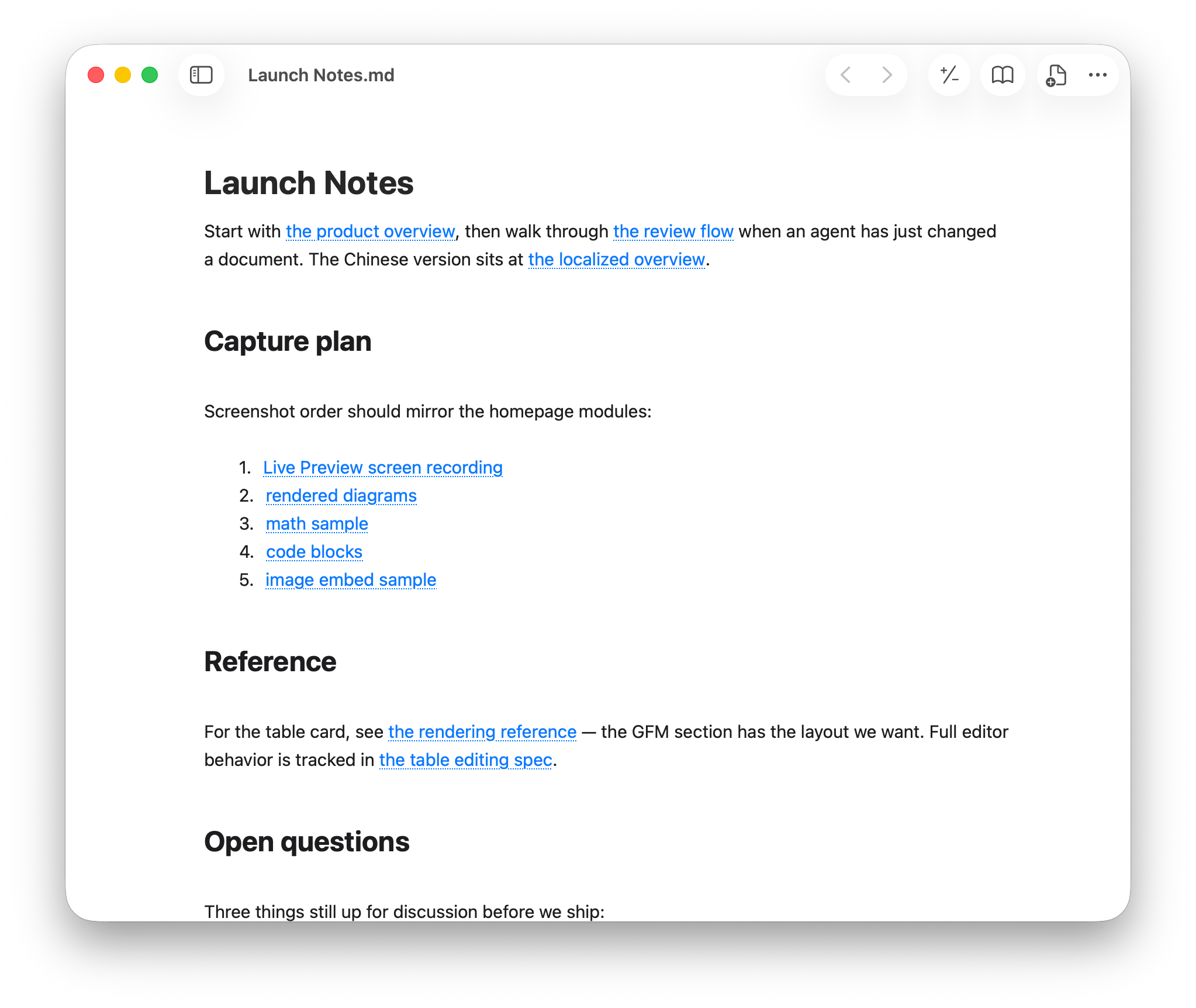
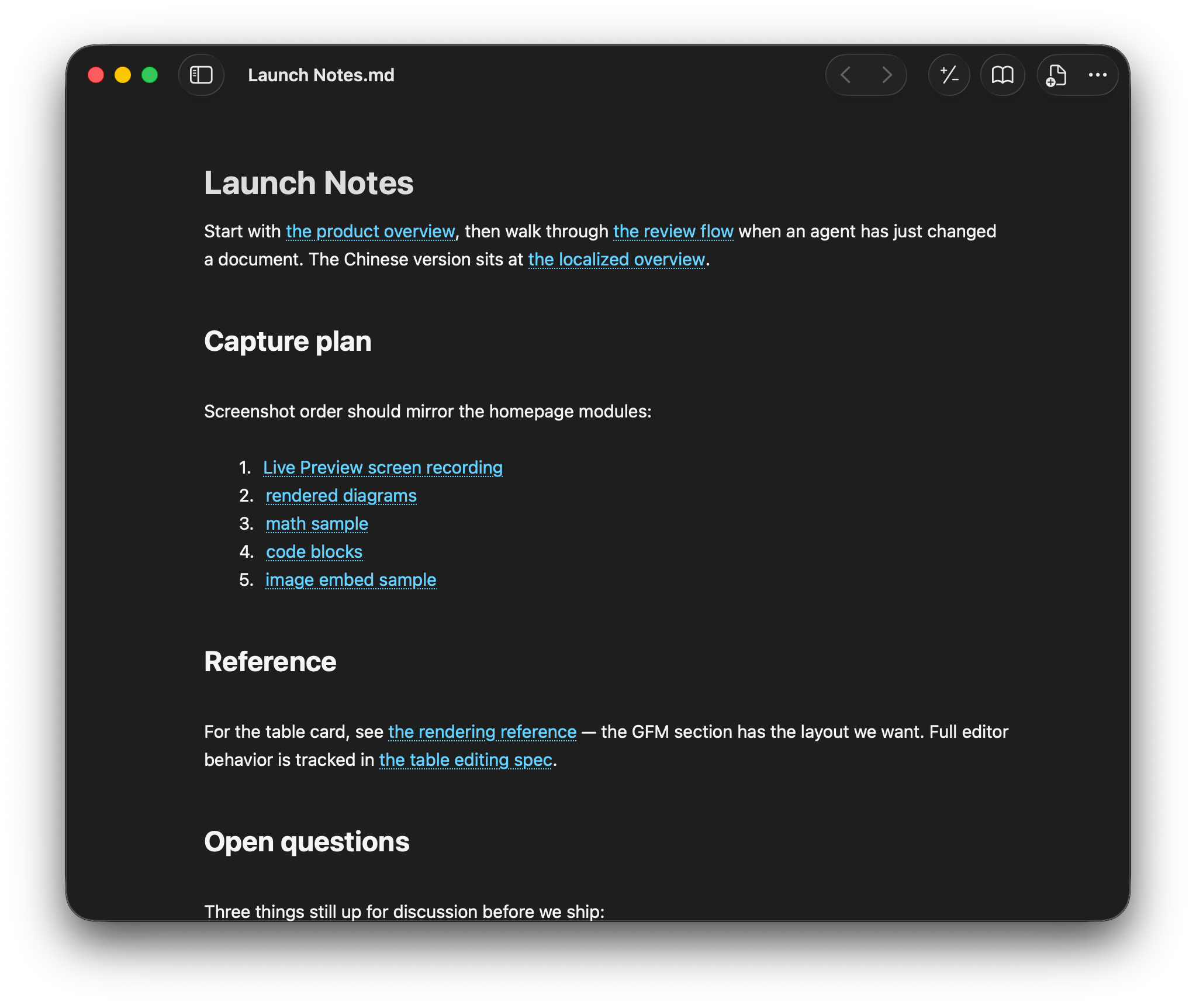
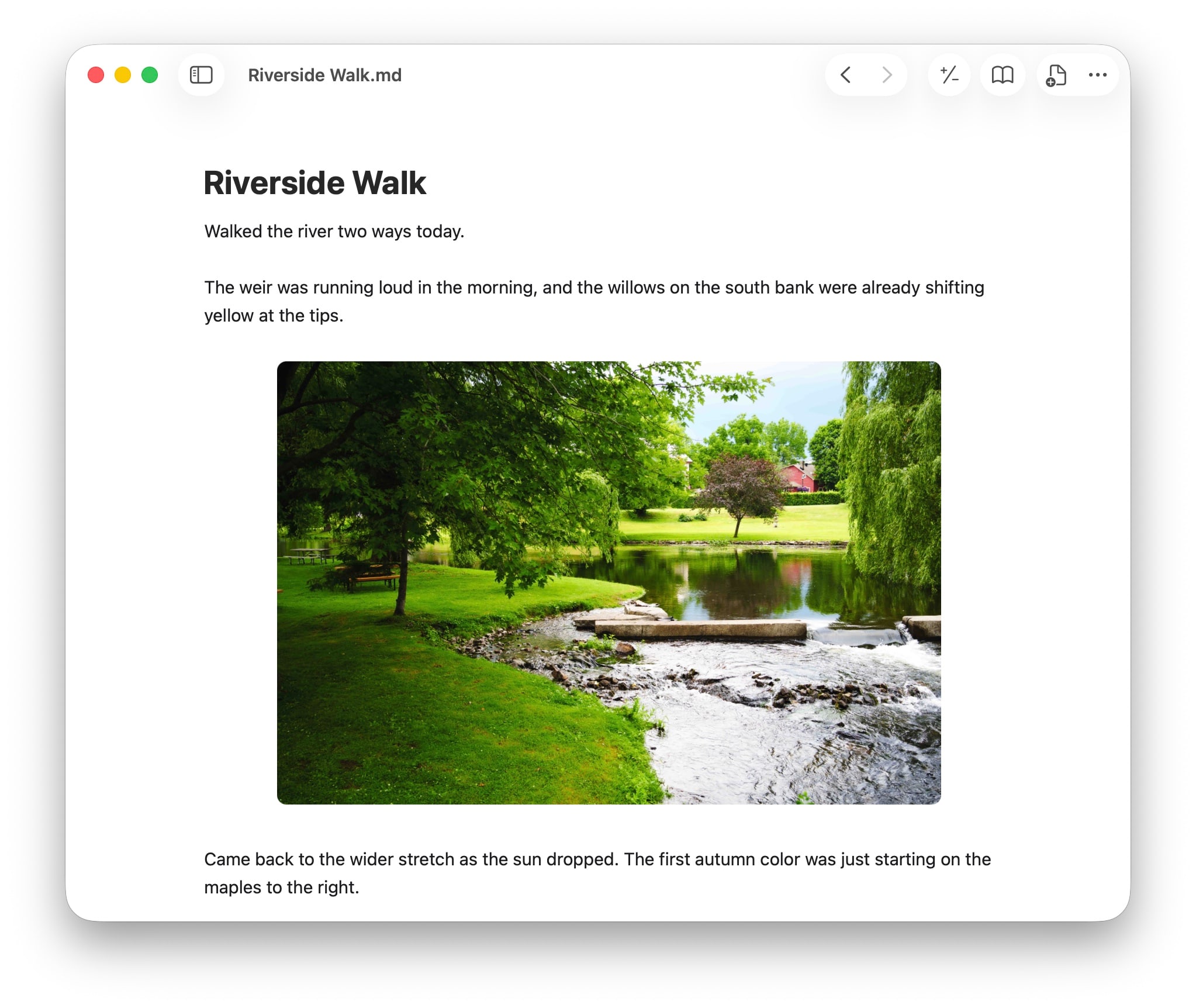
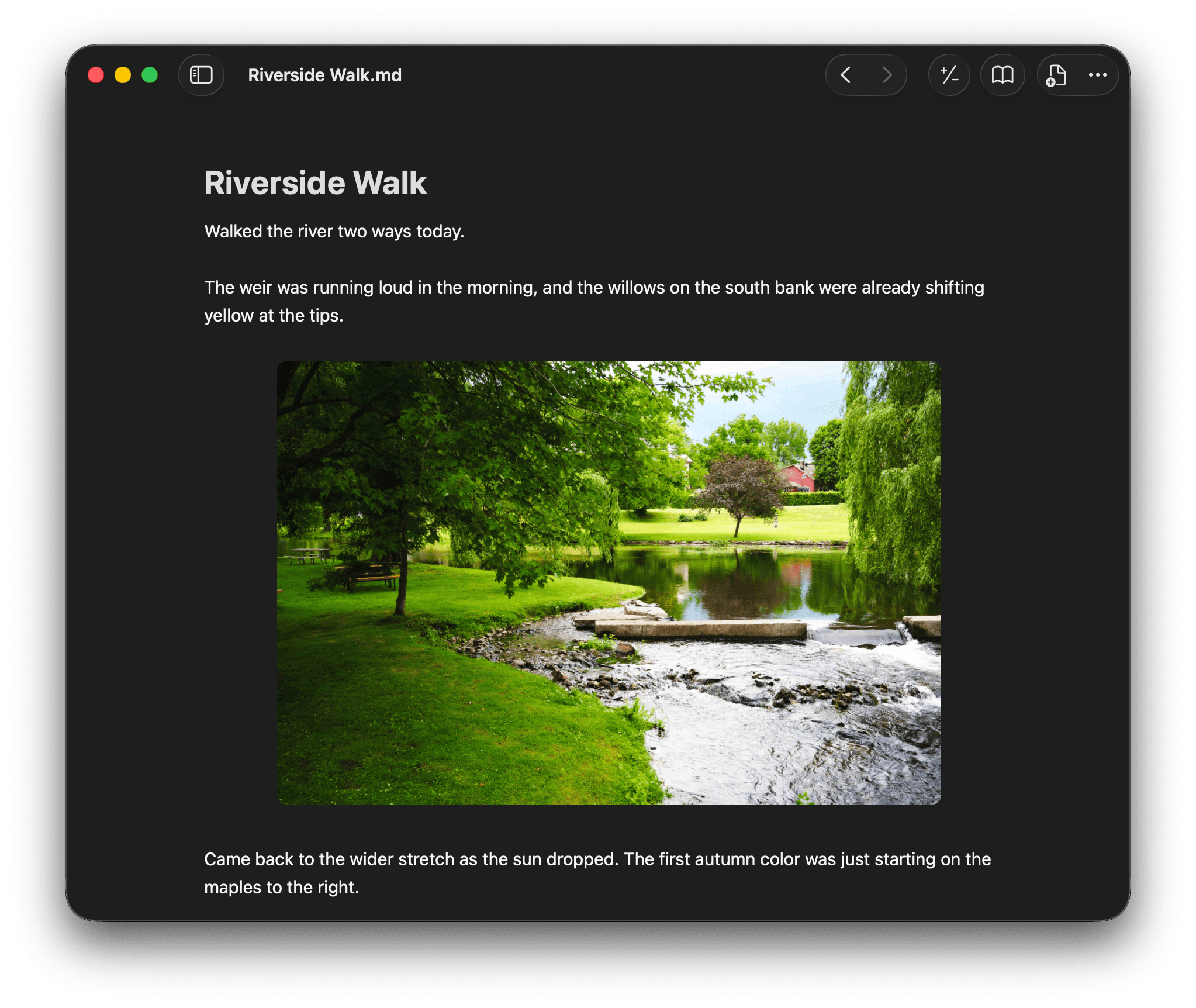
Use Resomark as the instant opener for .md, code, and text files.
Press Space to preview Markdown, code, and text files.
Built for speed, even with 100,000+ Markdown files.
A Swift app built with native Mac components.
Download the direct Mac app for the current public beta. Pro checkout will start inside this app when paid plans launch.
No. Resomark does not generate text. It works next to the AI tools you already use, as a review and editing layer for local Markdown files.
No. Resomark opens local files selected by you. Your documents stay on your Mac as normal Markdown and plain text files.
Free has no time limit. Pro will be an optional subscription in the direct Mac app: $39.99 for the first year, then $49.99/year, or $5.99/month. There is no free trial.
Download Resomark from this website. When paid plans launch, the direct Mac app will open the secure Paddle checkout. This website does not collect payment details.
Resomark currently supports macOS 14 or later.