An all-in-one editor
Download coming soonWYSIWYG Markdown
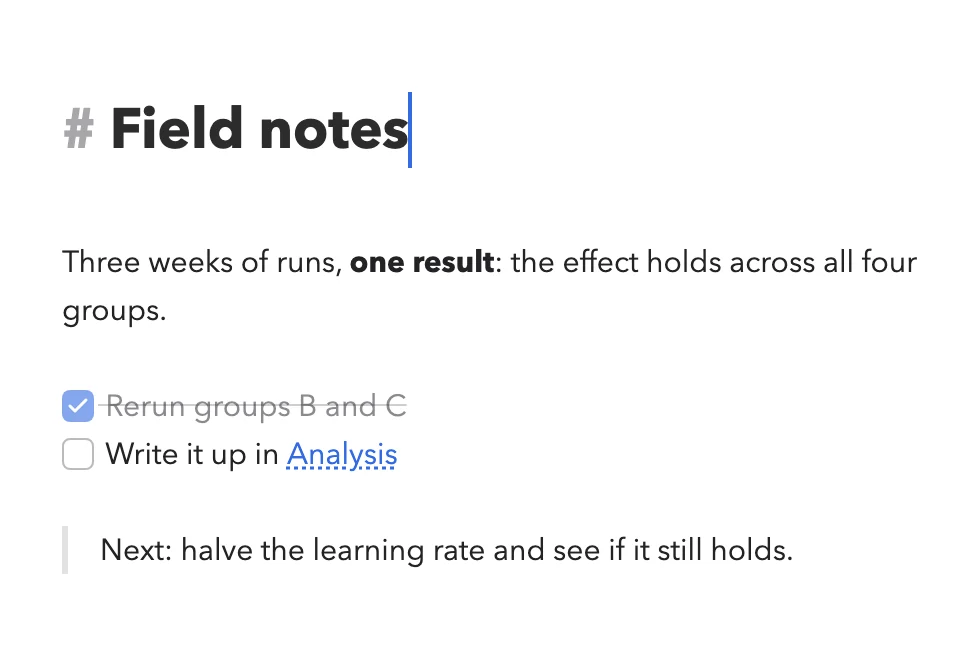
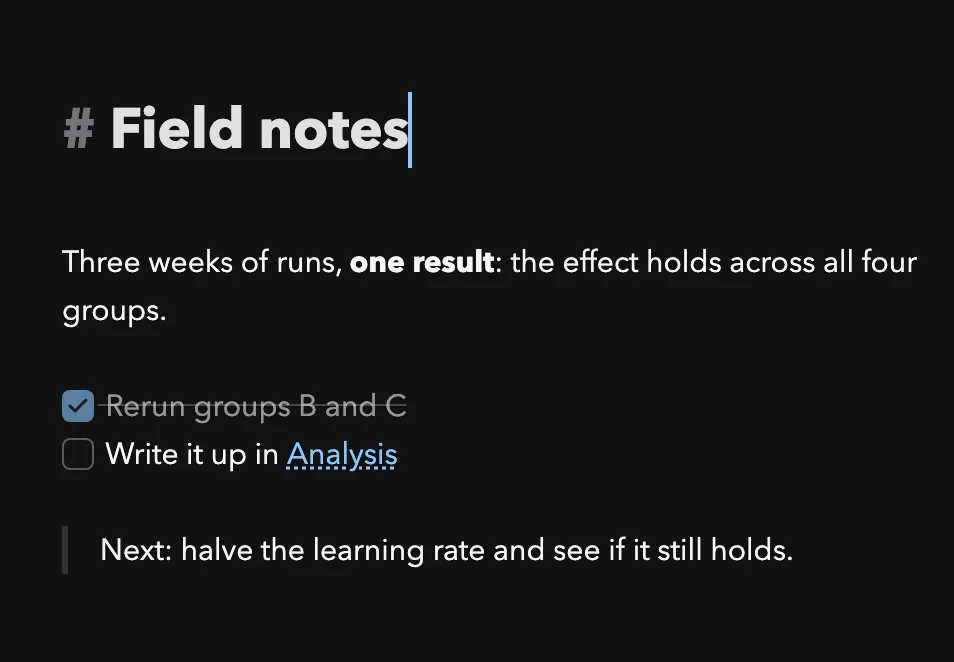
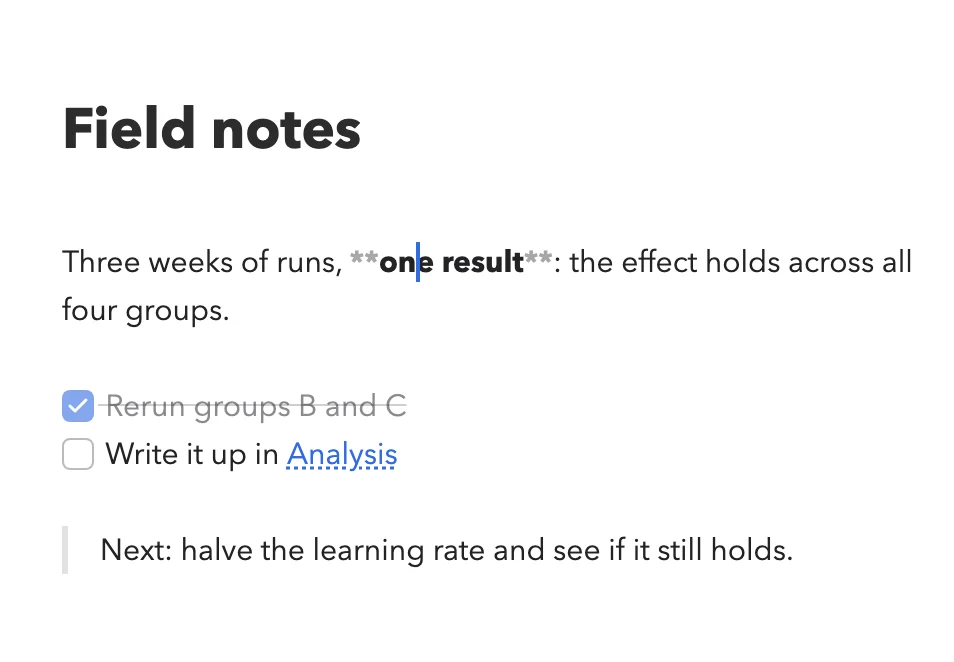
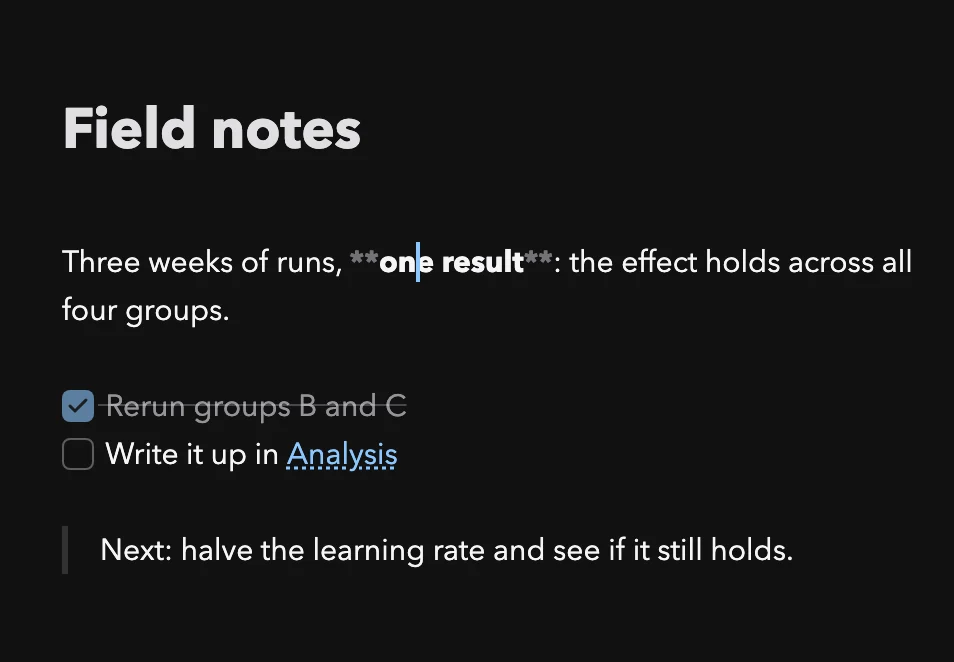
Markdown shows its marks only where your cursor is. Everything else stays typeset: headings look like headings, bold is bold, a checklist checks. You don’t need to know Markdown: let your agent write it, read the finished page, and fix a word where you like.
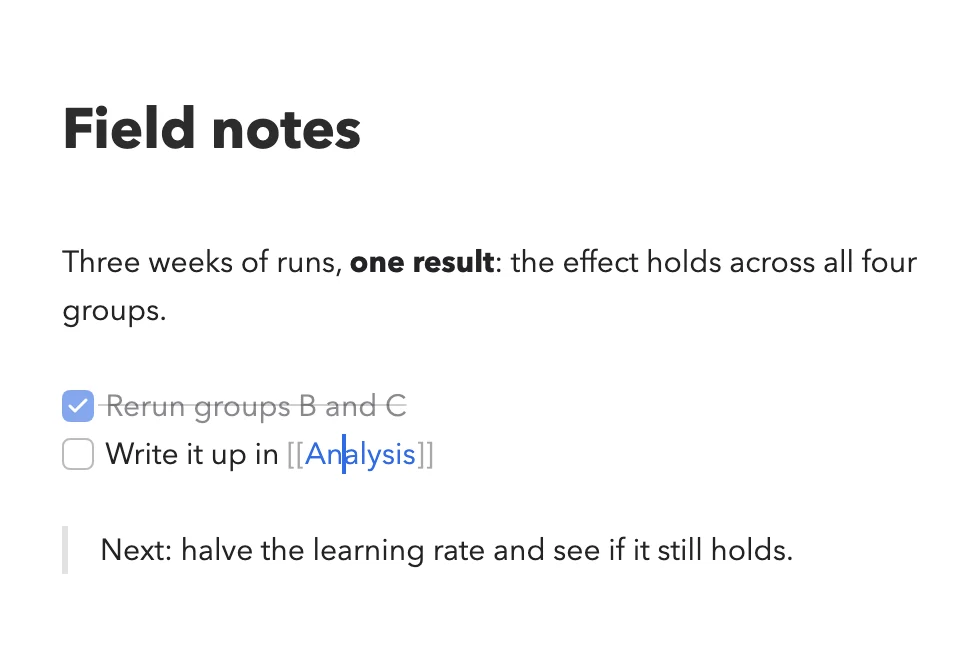
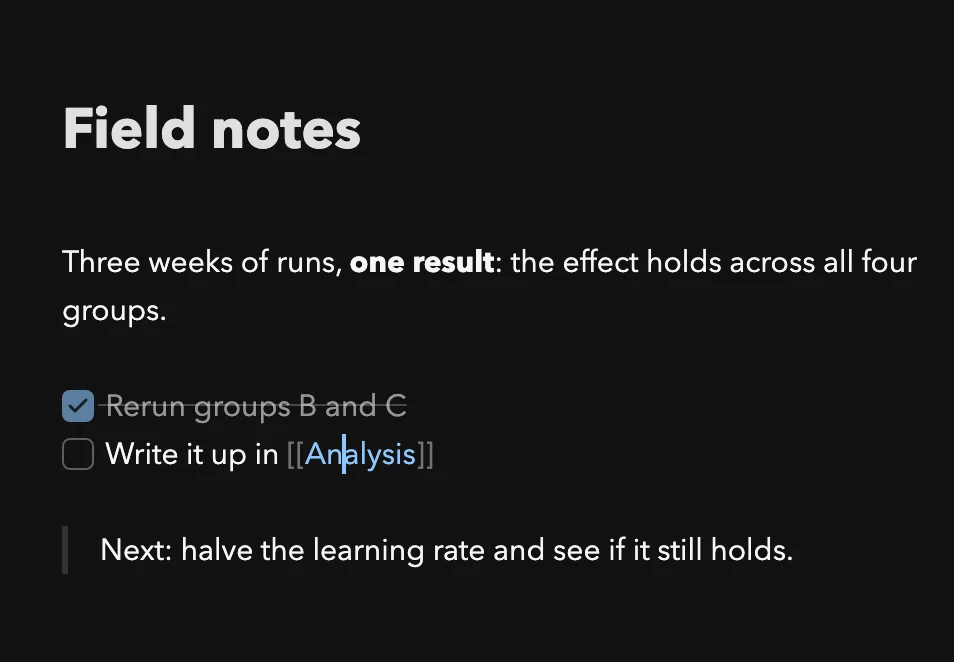
Diagrams, tables and math, right in the text
All of it is written in Markdown and shown typeset. The file stays plain text, and opens in any other editor too.
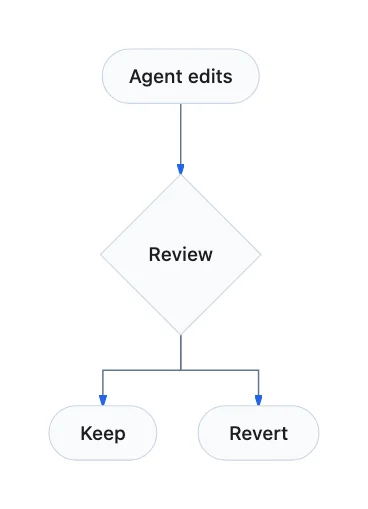
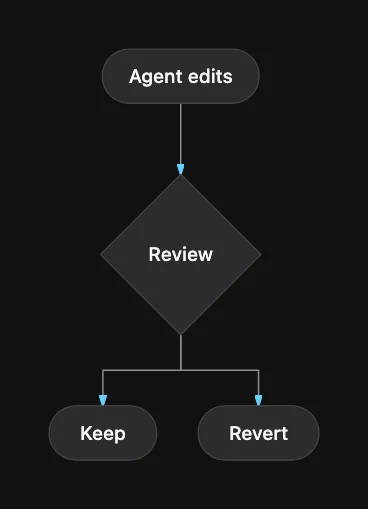
MermaidFlowcharts and sequence diagrams, written as text, drawn as diagrams.
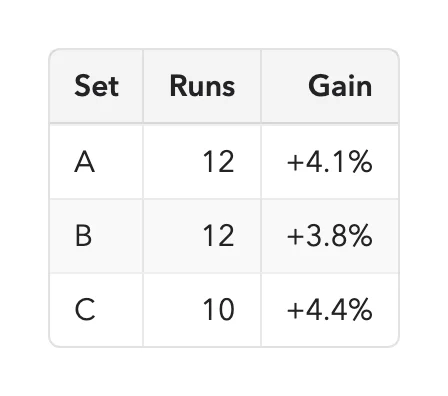
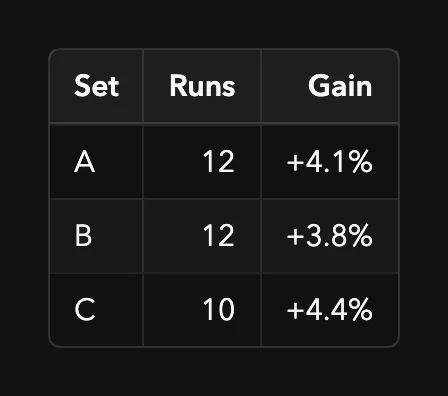
TablesEdit a cell right in the typeset table.
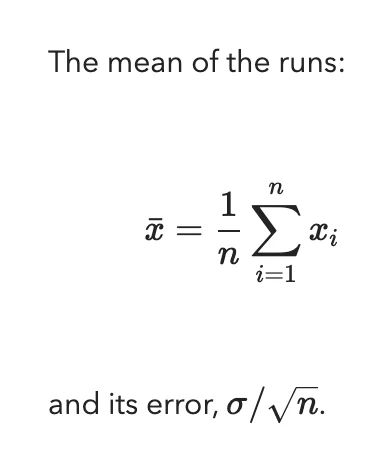

MathEquations, inline or on their own line, typeset.
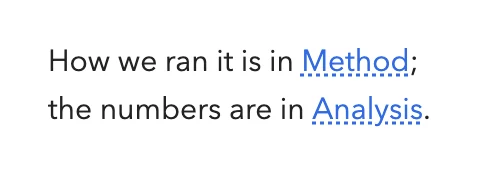
Wiki linksLink to another note with [[ ]], names completed as you type. The Inspector shows what links back.
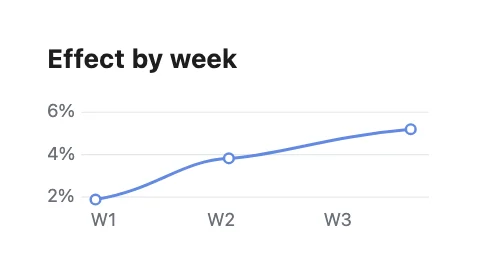
Inline SVG and HTMLSVG and HTML inside Markdown show as charts and widgets.
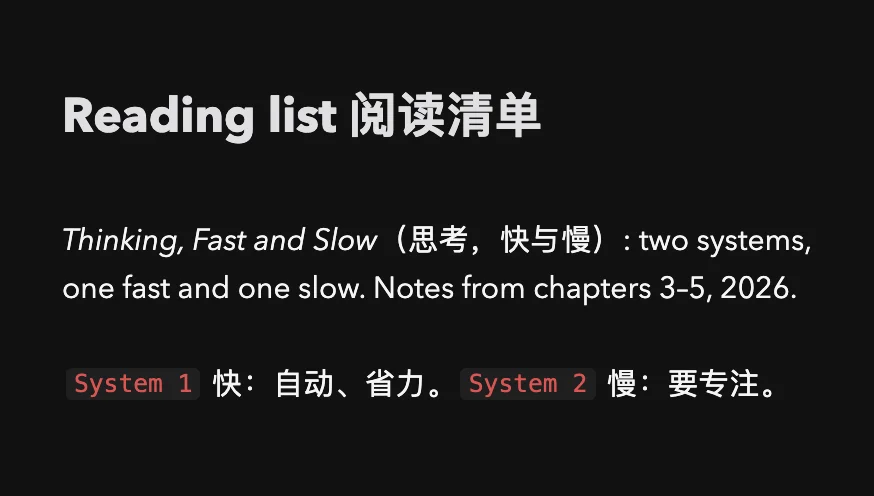
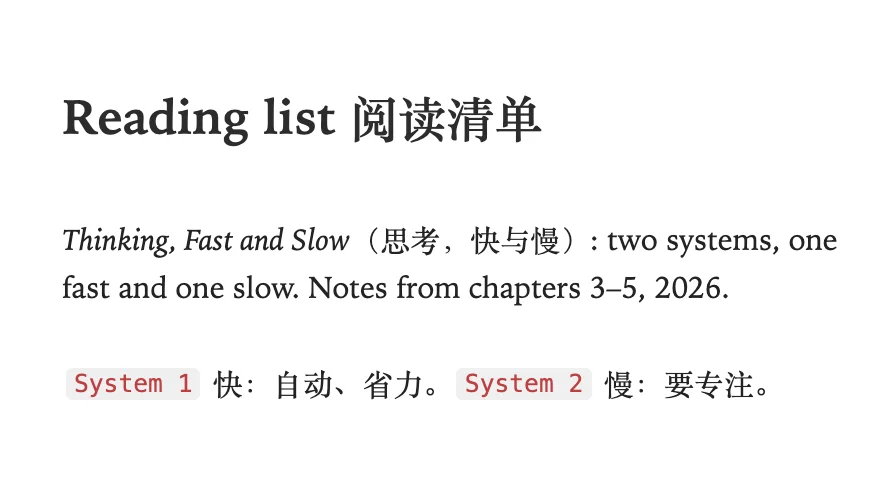
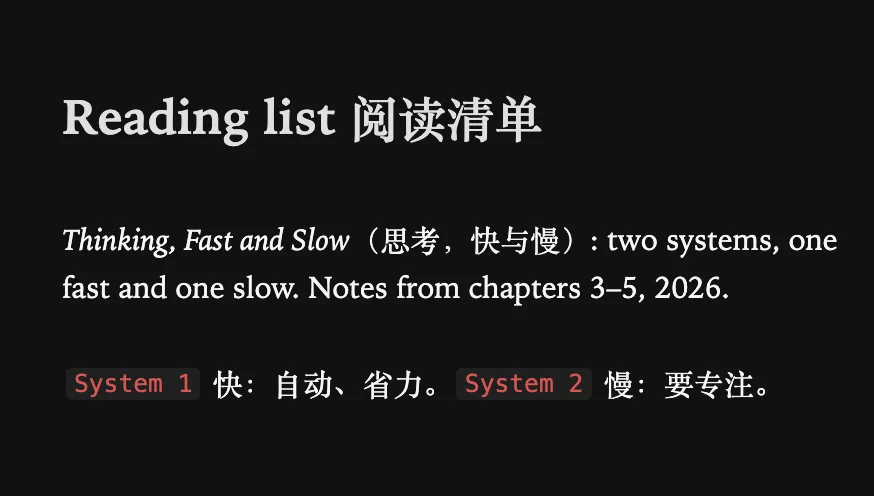
Latin and CJK fonts, set apart
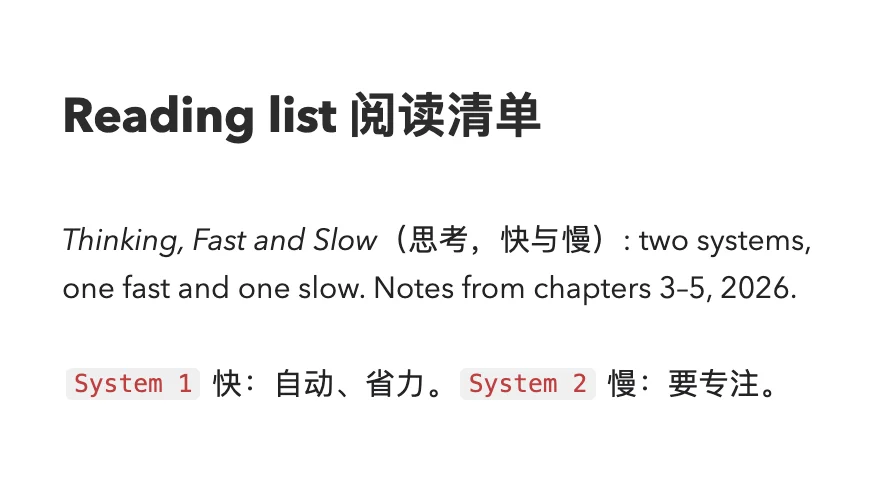
Markdown and code each take a Latin font and a CJK font, four choices in all. In a line that mixes English with Chinese, Japanese or Korean, each script is set in the font you chose for it.
Full support for code files
Open a code repository and read it as in an IDE: syntax highlighting and line numbers, and an outline of the classes and functions to jump to (Python, TypeScript, JavaScript, Go, Rust, Java, C and more). Edit right away; it saves like any other file.
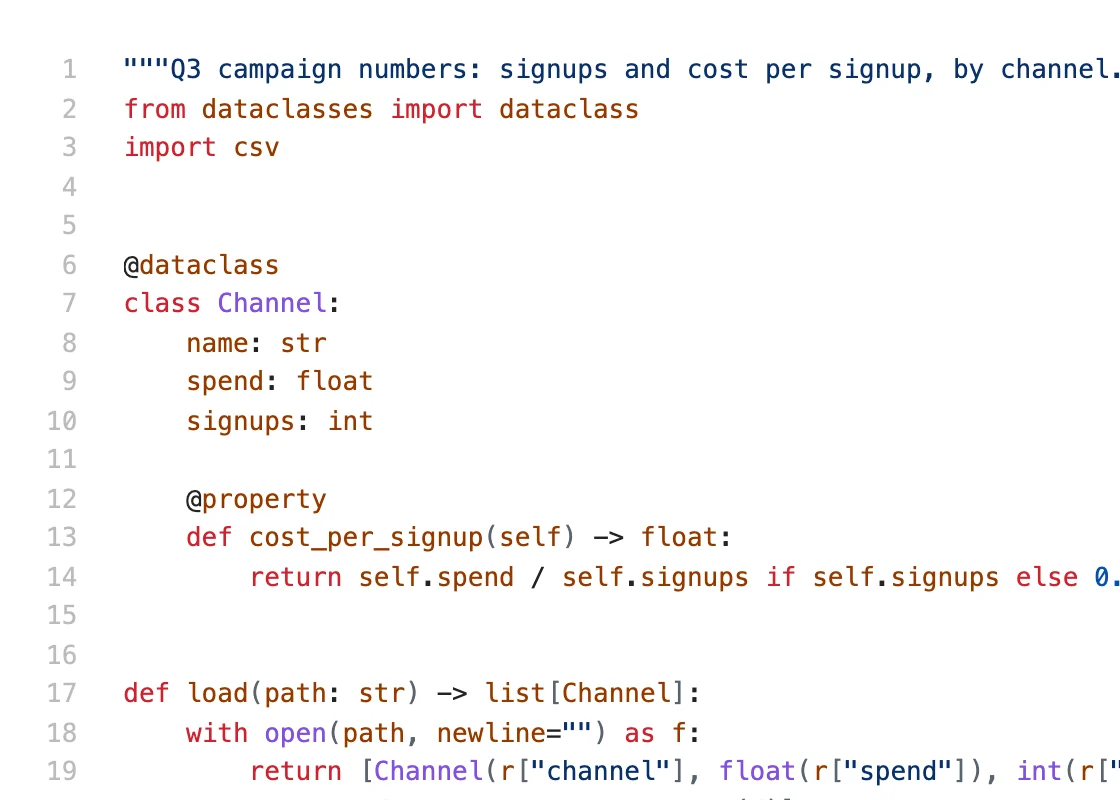
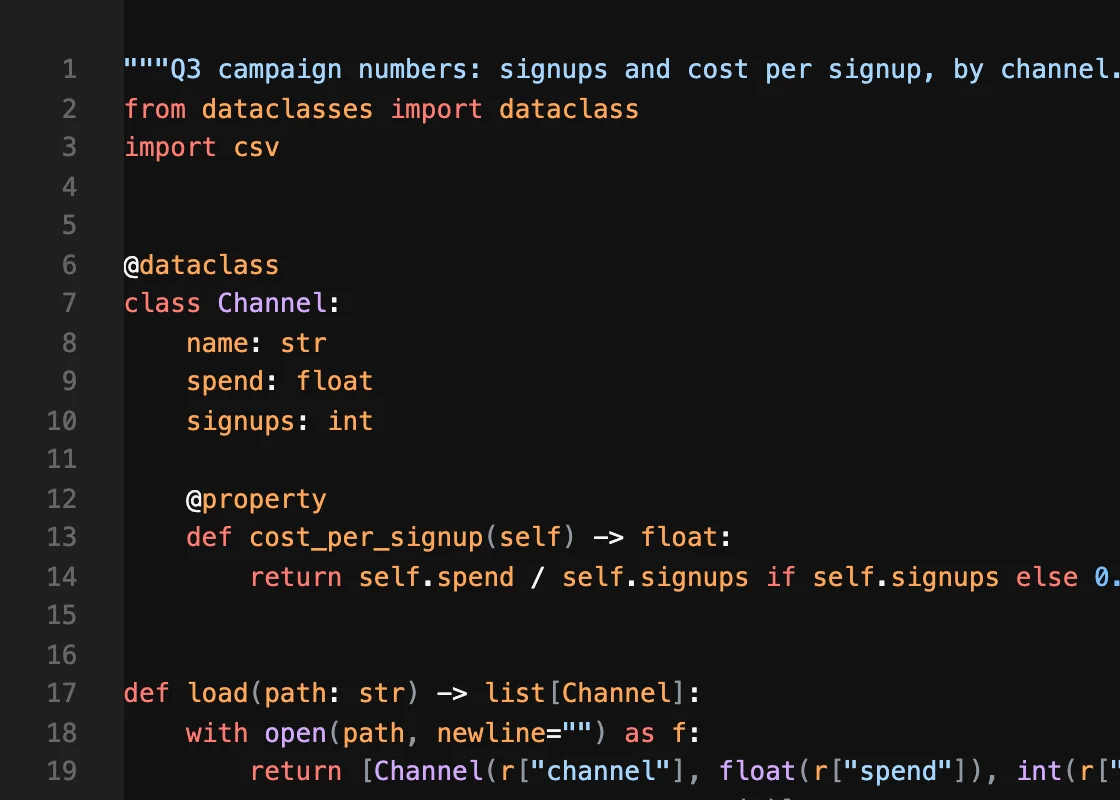
Outline
class Channel
def cost_per_signup( )
def load( )
def cheapest( )
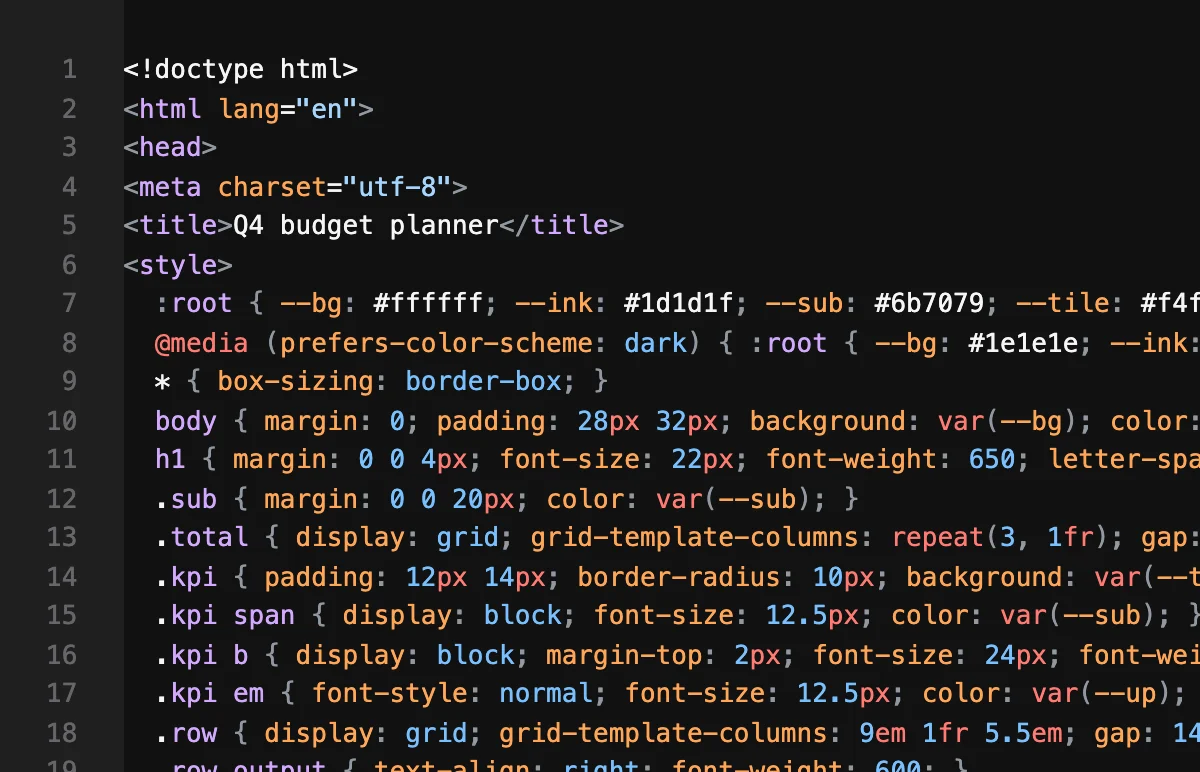
HTML, rendered in place
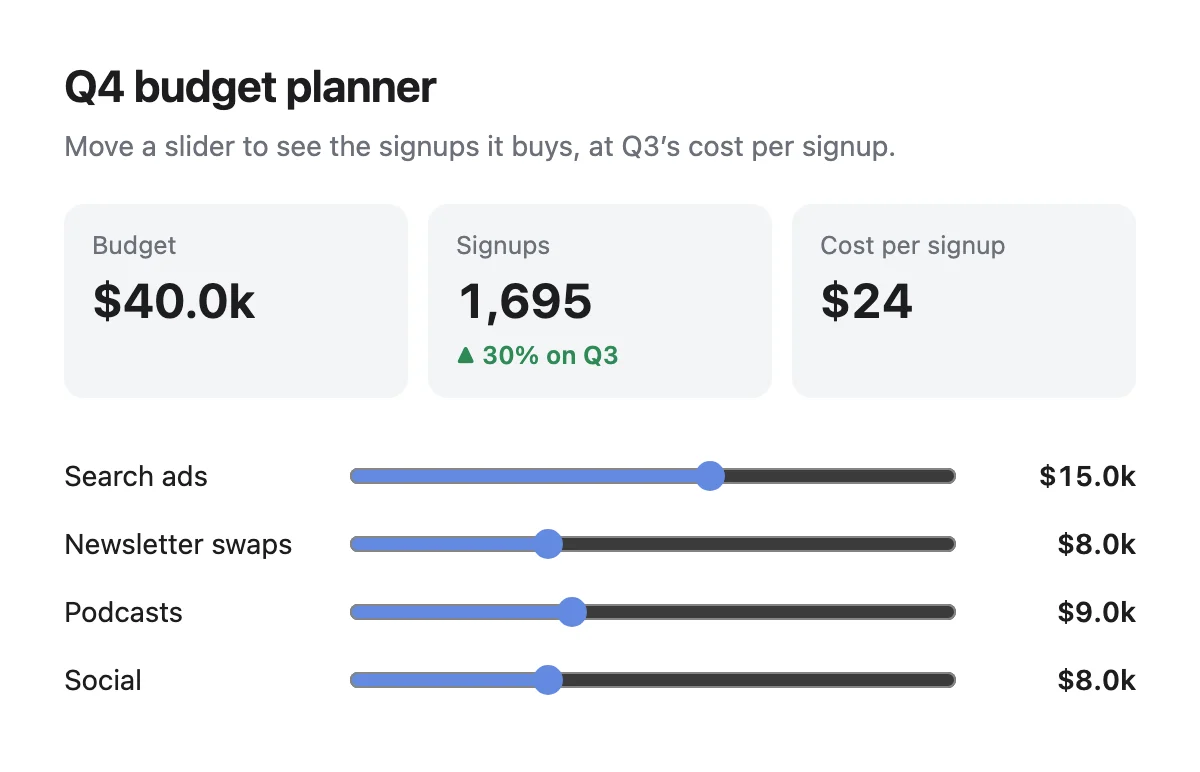
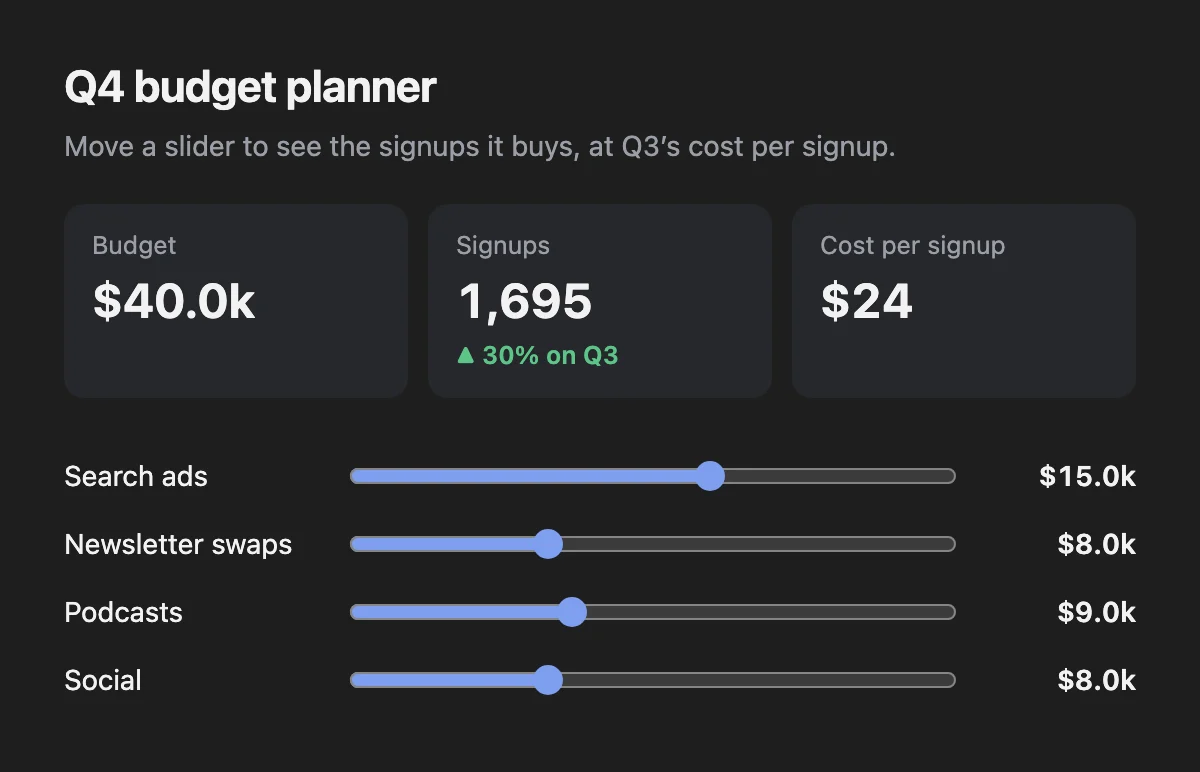
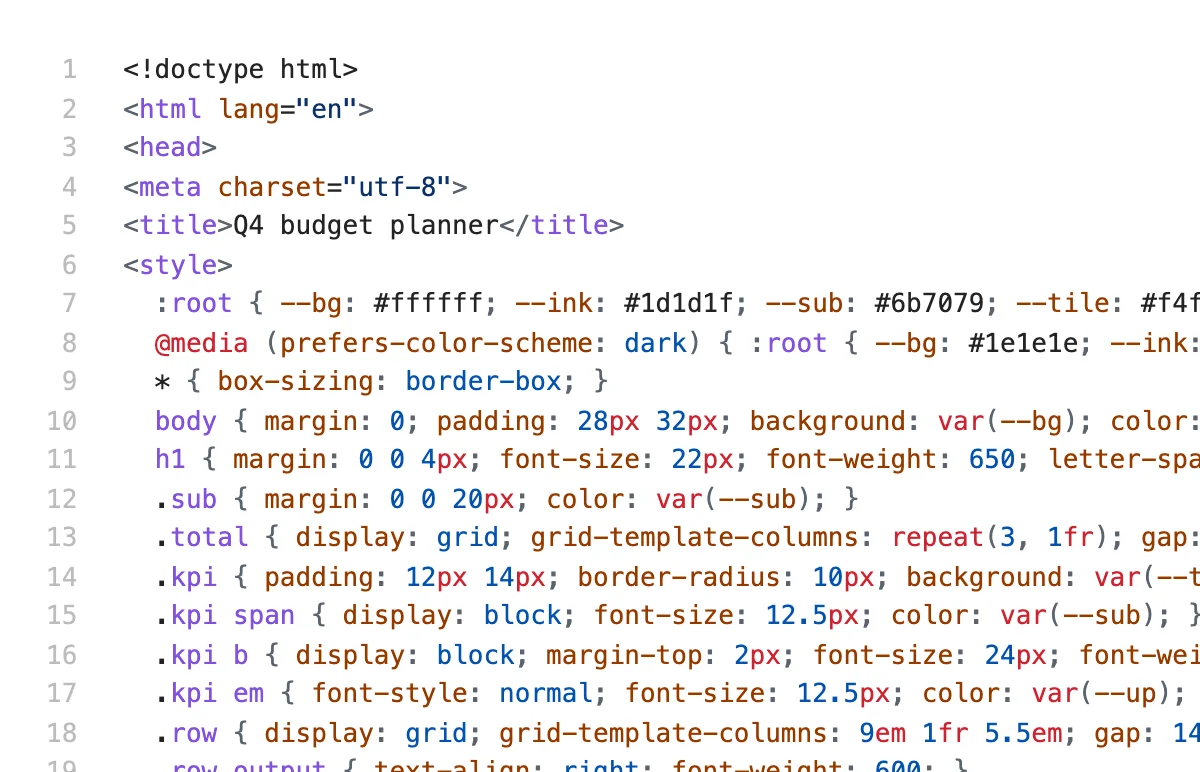
Open a .html file and it’s a web page; one click in the toolbar shows its source. Ask your agent for a chart, an interactive report or a small tool in HTML, and use it right in Resomark.
Everyday office files, viewable
Word, Excel and PowerPoint, Pages, Numbers and Keynote, images, PDFs, audio and video stay where they are in the folder; click to view. PDFs zoom and search, and read well in dark mode.
Q3
- Q3 budget.xlsx
- Launch plan.docx
- Board update.pptx
- Interview notes.pages
- Contract.pdf
- Team photo.jpg
- Kickoff call.m4a
- Demo.mp4
| A | B | C | D | |
|---|---|---|---|---|
| 1 | Channel | Spend | Signups | Cost per signup |
| 2 | Search ads | $18,400 | 520 | $35.38 |
| 3 | Newsletter swaps | $3,200 | 310 | $10.32 |
| 4 | Podcasts | $9,600 | 240 | $40.00 |
| 5 | Social | $6,800 | 230 | $29.57 |
| 6 | Total | $38,000 | 1,300 | $29.23 |
| 7 | ||||
| 8 | ||||
| 9 |
SummaryBy month
Editable
Markdown · Plain text · Code and scripts · Config files · HTML source
View only
PDF · Images · Web pages · Word, Excel, PowerPoint · Pages, Numbers, Keynote · Audio and video
Opens in another app
Archives · Installers · Apps
Select a Markdown or code file in Finder and press Space to see it typeset.
Markdown, HTML, code and plain text are editable; everything else is view-only. Office and iWork files use the macOS preview, so layout may differ from the original app. HTML pages open in a restricted environment and ask before loading anything from the web.