Track AI changes
Download coming soonEvery outside edit, recorded
Resomark watches the files, not the agents. Whatever Claude Code, Codex, Cursor or a tool that ships tomorrow changes is recorded, and so is anything scripts and other apps change. No plugins, no setup: add a folder and tracking starts. Tracking holds even after you quit Resomark completely: whatever changed in the meantime is listed the next time you open it.
It’s still your own folder, with no import and no copy. What you write in Resomark yourself doesn’t count as a change.
- Claude Code
- Codex
- Cursor
- Gemini CLI
- DeepSeek Harness
- OpenCode
- any agent that edits files



Every changed file, in one list
Changes, at the top of the sidebar, lists each file an agent touched, with the lines it added and removed. The same files are colored in the file tree and on their tabs: green for new, red for deleted, yellow for changed.
Each change, right in the typeset text
Open a file and every change is marked where it happened, the old text above the new: red for what went, green for what came, with the changed words picked out. Lists and tables still read like the page. The bar at the top counts the changes and takes you through them.
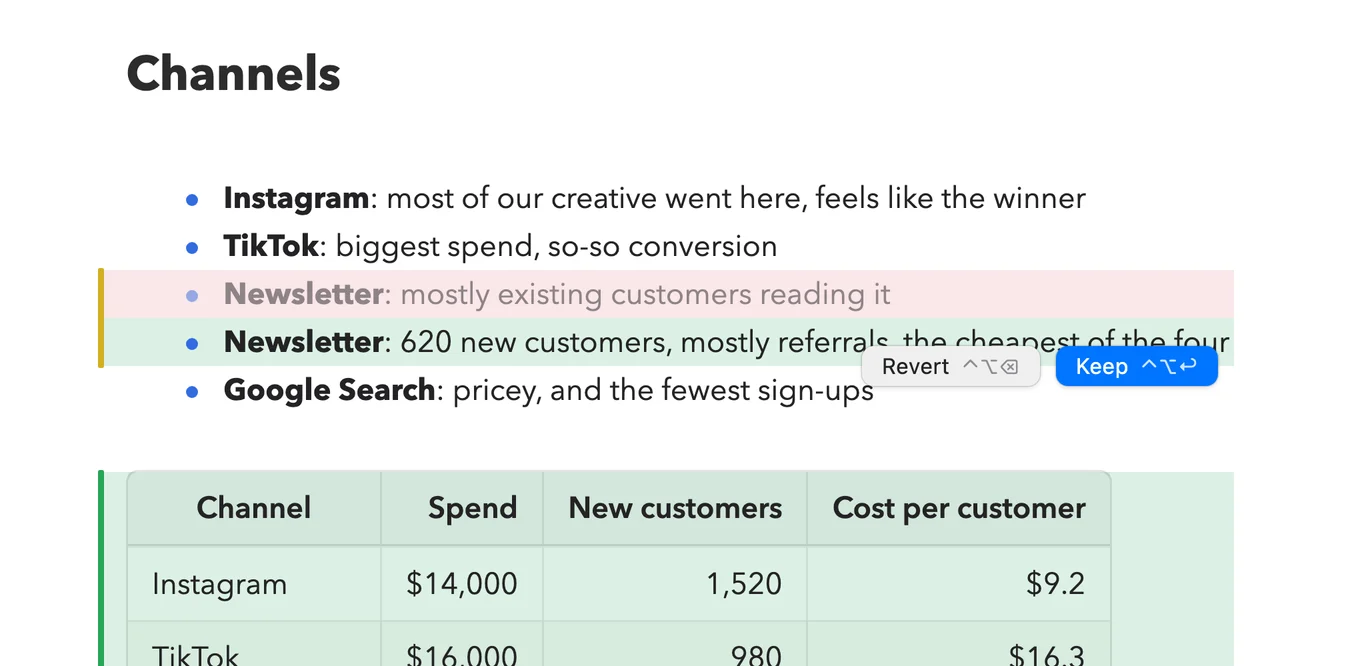
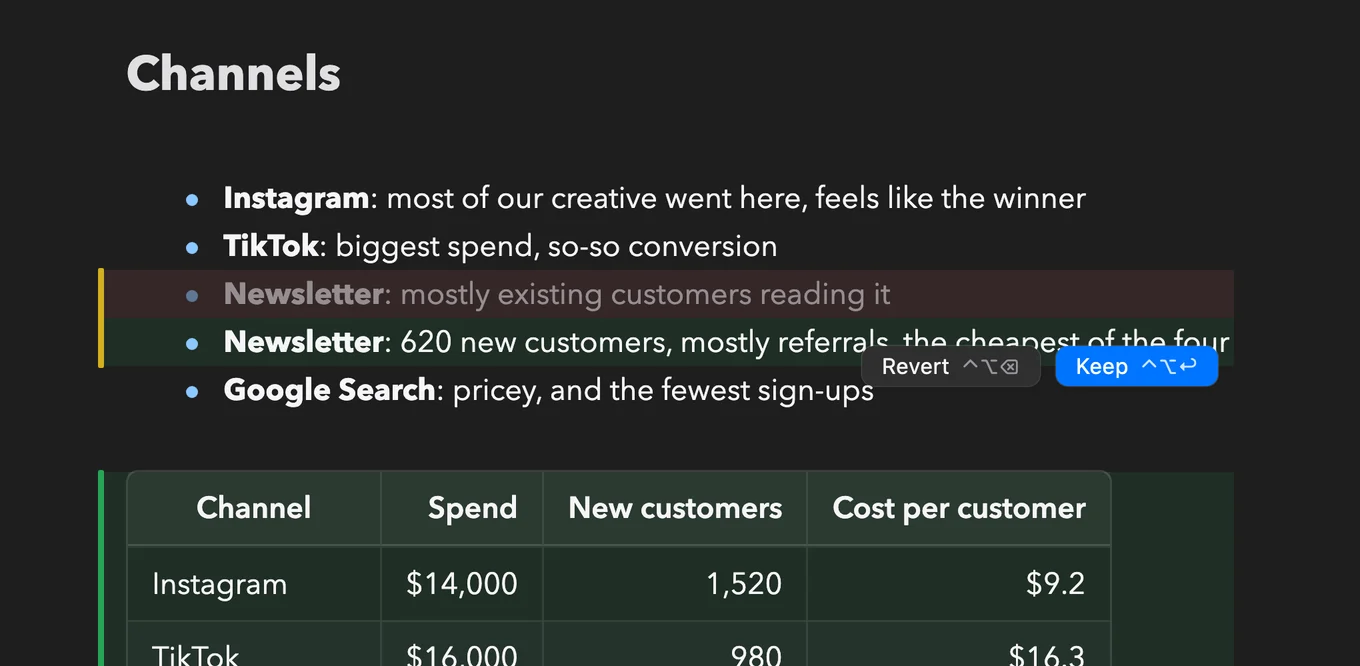
Keep it, revert it, or keep writing
Decide one change at a time, a whole file, or every file at once. You can write inside a change that’s still waiting; it stays waiting until you decide. Quit before you’re done, and the changes are still marked when you’re back.
Every version is kept
Each file you finish reviewing becomes a version, and so does your own writing once you pause. Before a big change, add a save point. Step back through the whole folder, open any version of a file, compare two, and restore the one you want.
Workspace HistoryEvery version of the folder, newest first. Add a save point whenever you like.
Save pointsOpen a version to see which files it changed, and what changed in each.
A file’s historyEvery version of one file in the Inspector, with the versions your Mac saved beside them.
When a folder is a Git repository, changes and history follow Git. See Git & Remote.
Text files (Markdown, plain text, code, config) show each change; images, PDFs and the like just show that they changed. Logs, lock files and files that usually hold secrets aren’t tracked.